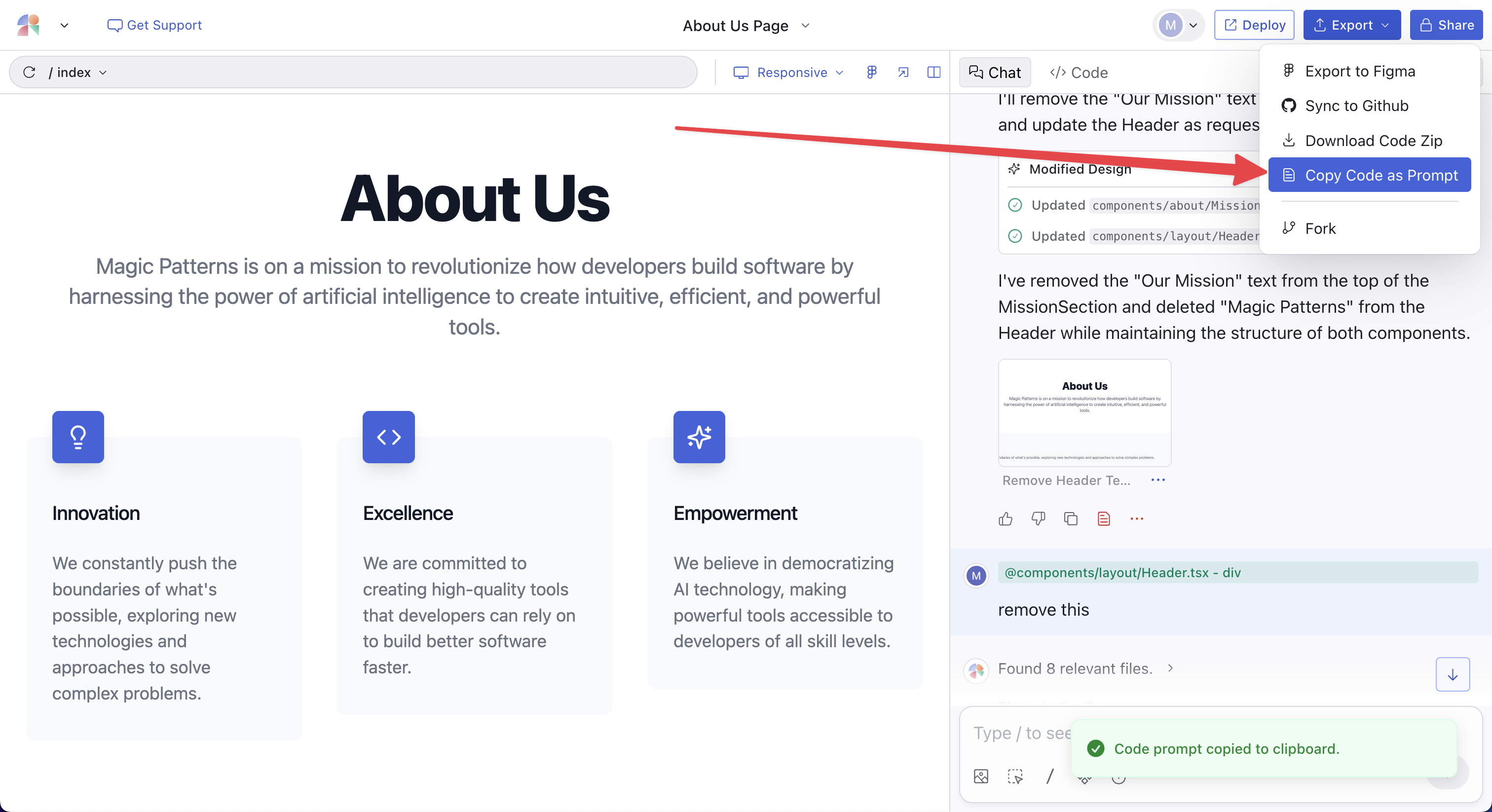
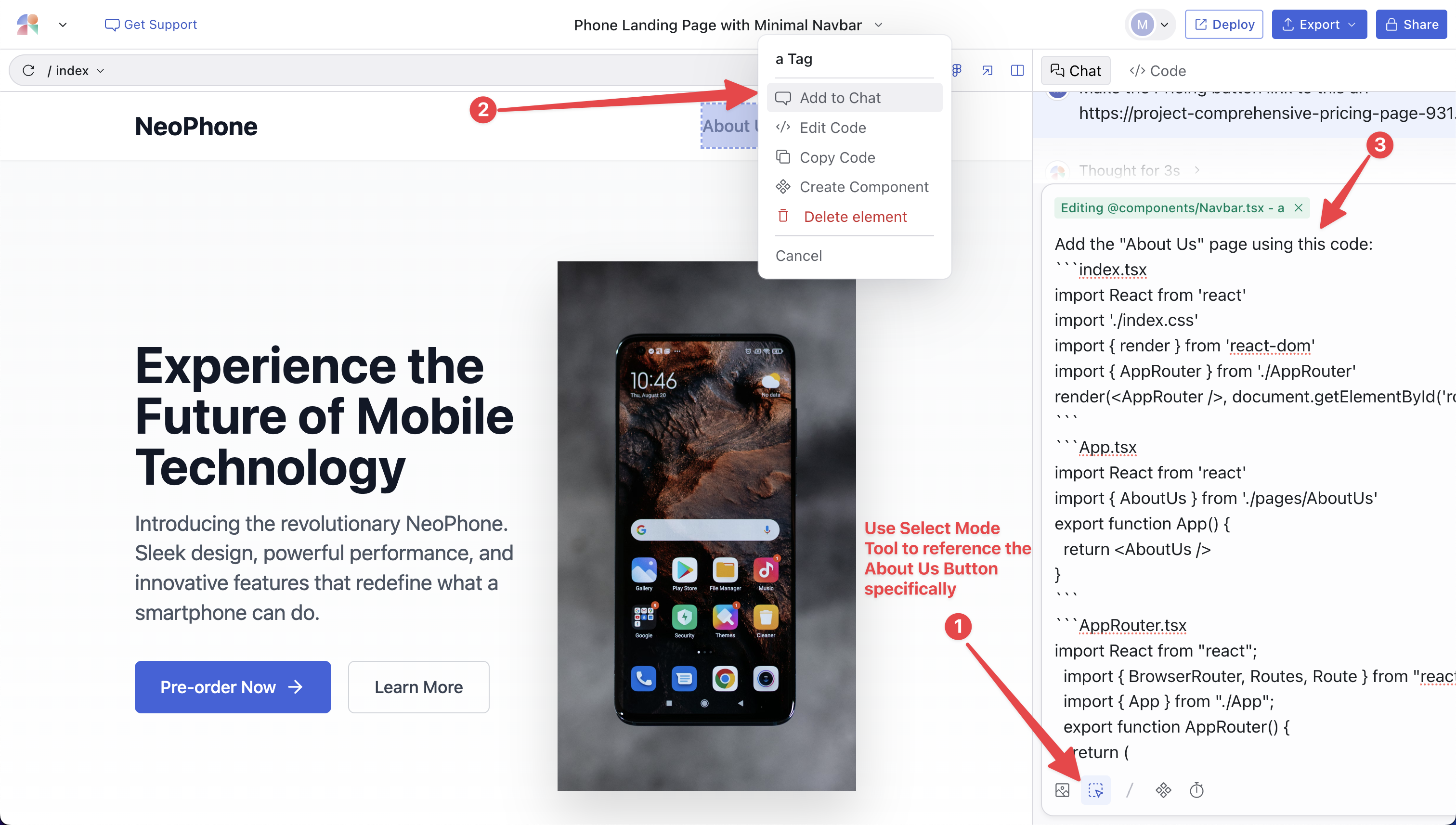
Option 1: Cross-Project Referencing (Recommended)
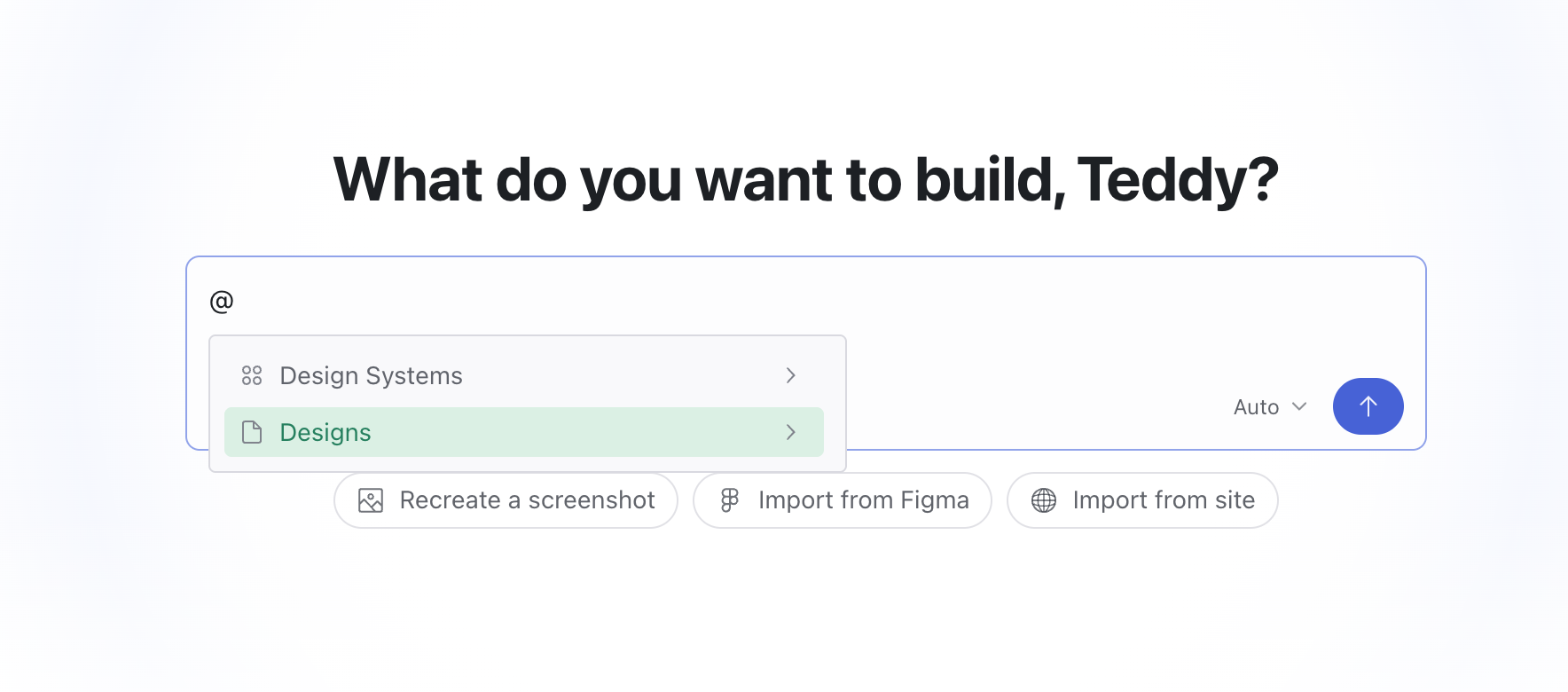
- Type
@to pick a standalone Design or a Design System. - Paste a design URL to reference any design directly, including a design inside a canvas.
@ mention:
Option 2: Prompt to Link the Designs Together
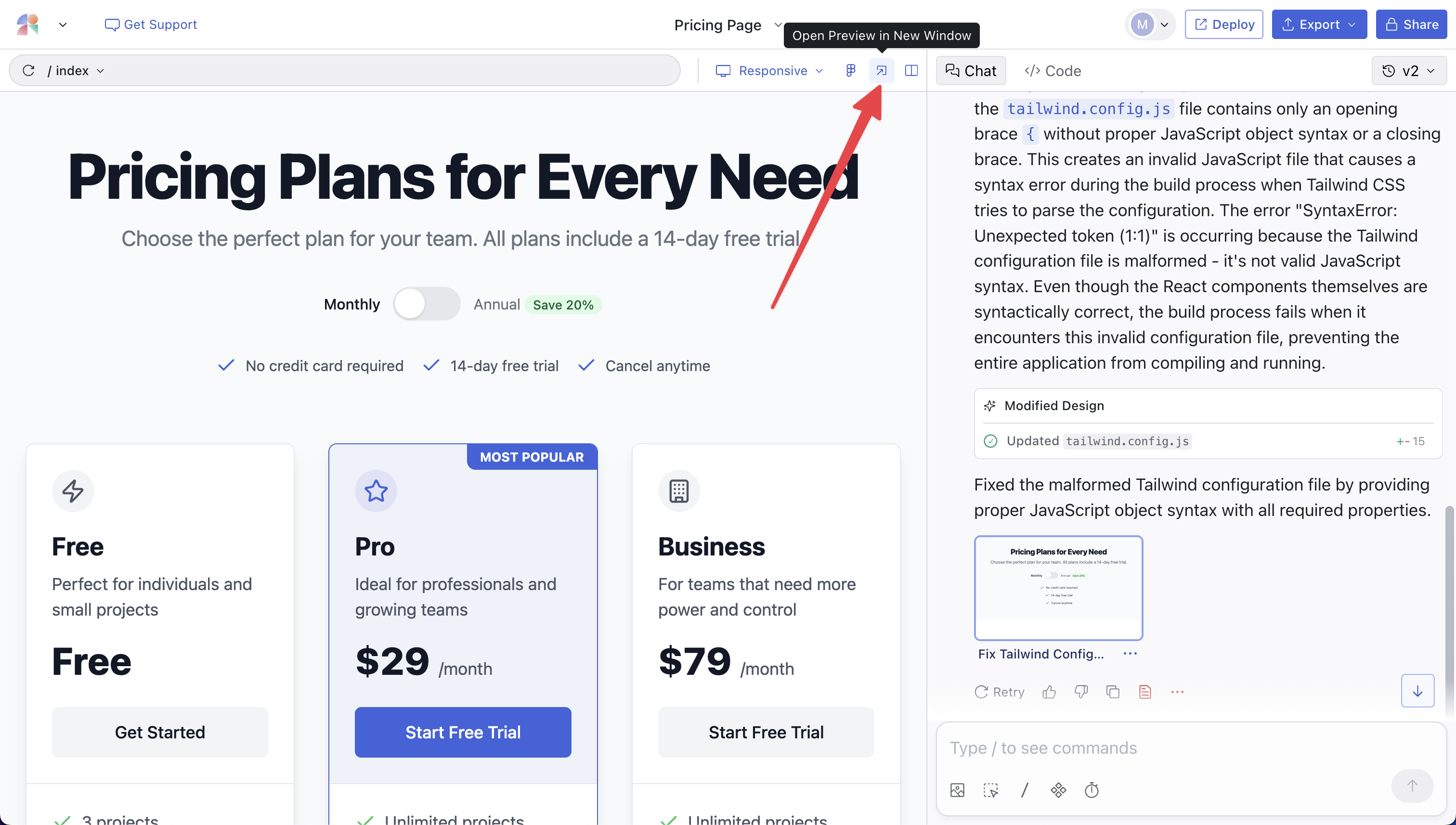
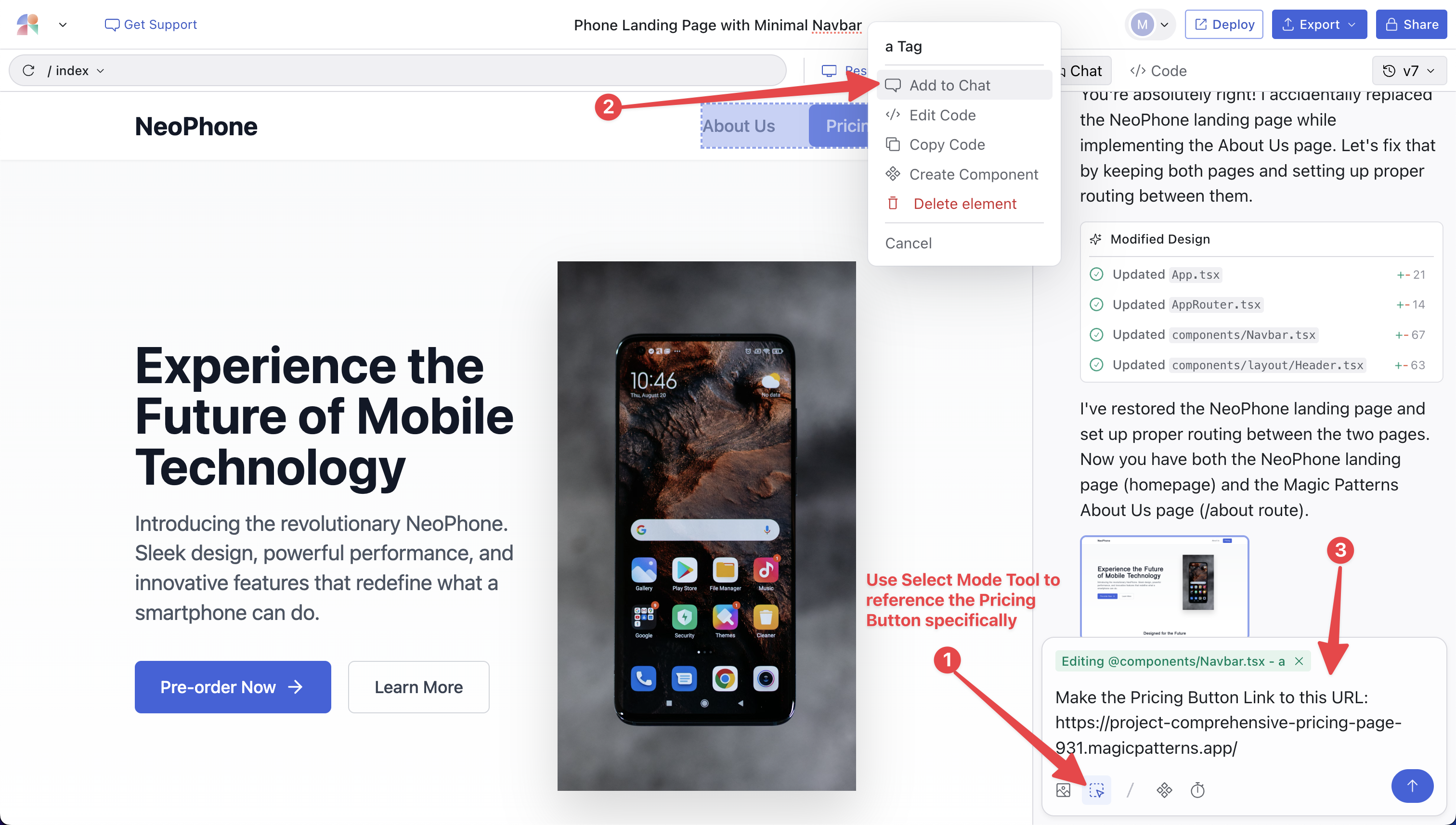
All Magic Patterns designs are websites, so you can always just link designs together. Let’s say you have two designs, Design A and Design B. Perhaps they are separate pages and you want to link them together. First, navigate to Design A and get its publish link from the share button. The URL is something likehttps://project-design-a.magicpatterns.app
Option 3: Copy Code as Prompt
Navigate to the design — let’s say Design A — that contains the content you want to merge into another design, Design B. Use the Copy Code as Prompt feature to get the code from Design A.